How to block iPhone apps until your habits are done
Updated
iPhone's Screen Time can cap an app at an hour a day, but it can't wait for you to finish a workout first. To keep your phone boring until the day's habits are done, you need something that links the two. Here's how that works with Be Serious, and what it can't do.
A limit isn't the same as a lock
A daily limit hands you the time first and asks you to stop later, at exactly the moment you least want to. Habit-linked blocking flips the order. Your chosen apps start the day locked, and time in them is something you earn by doing what you said you'd do.
What you need
- An iPhone on iOS 18 or later.
- Be Serious from the App Store. It's a subscription app.
- A few minutes to choose your apps and habits.
Step 1: Choose the apps to lock
During setup, Be Serious asks for Screen Time access, then shows Apple's own app picker. Choose the apps that eat your day: single apps, whole categories like social or games, or both. Which apps you choose never leaves your phone.
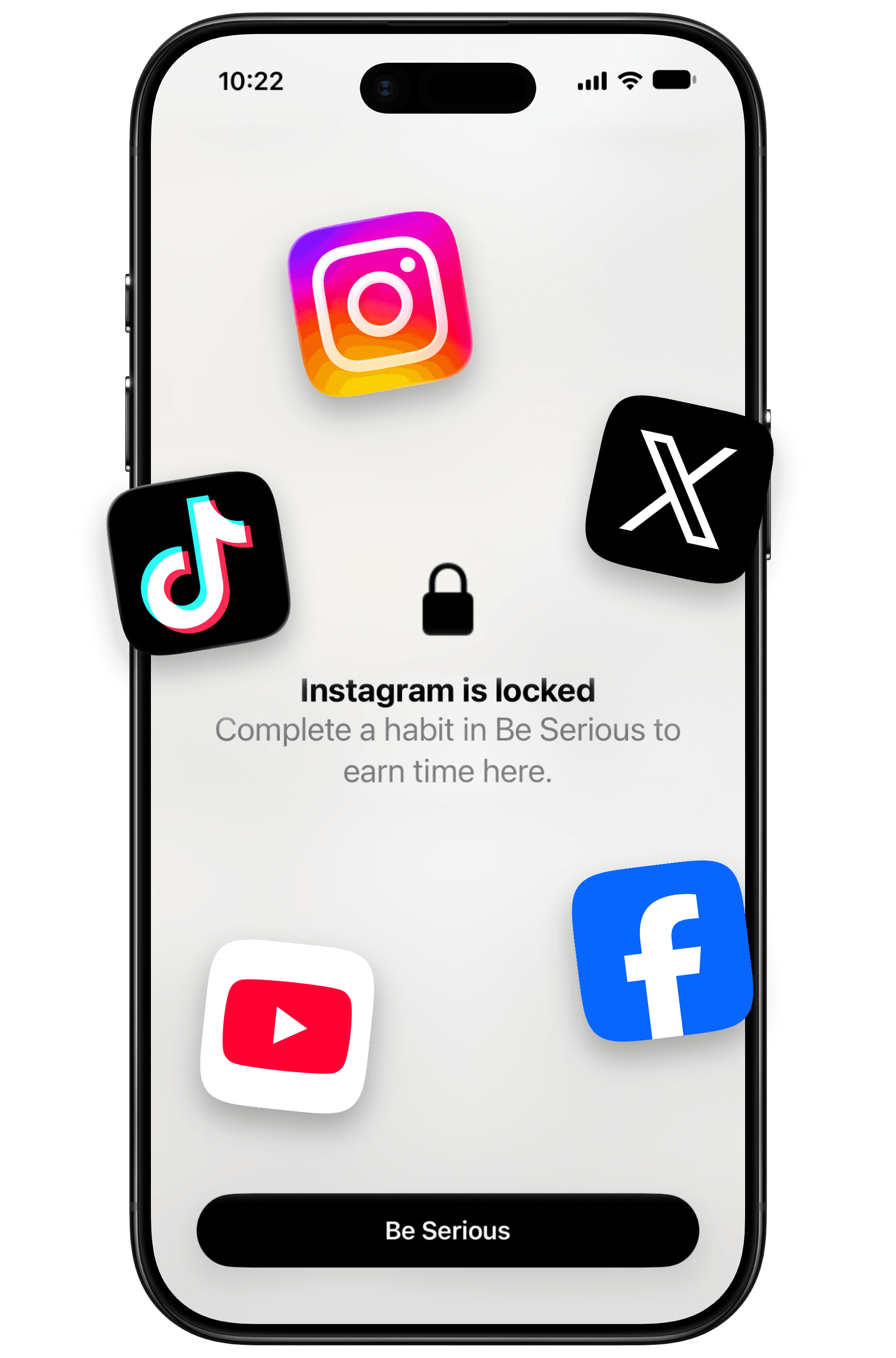
Open a locked app and you get a lock screen instead: "Complete a habit in Be Serious to earn time here."
Step 2: Pick the habits that unlock them
Each habit you switch on earns its minutes once a day:
- Finish a fast that reaches its target: +30 minutes.
- Log at least 10 minutes of exercise: +30 minutes.
- Log your meals and stay within your calorie budget: +30 minutes.
- Reach your daily water target: +15 minutes.
- Check in on a clean NoFap streak: +15 minutes.
You don't need all five. Pick the ones you'd want to do anyway, so the lock pushes you in a direction you already chose.
Step 3: Do the habit, then use the time
There's nothing to redeem. Finish a habit and the minutes are added, and your locked apps open normally while you have time left. The clock only runs while a locked app is on screen, so time you aren't using isn't spent. When the balance reaches zero, the lock comes back on its own.
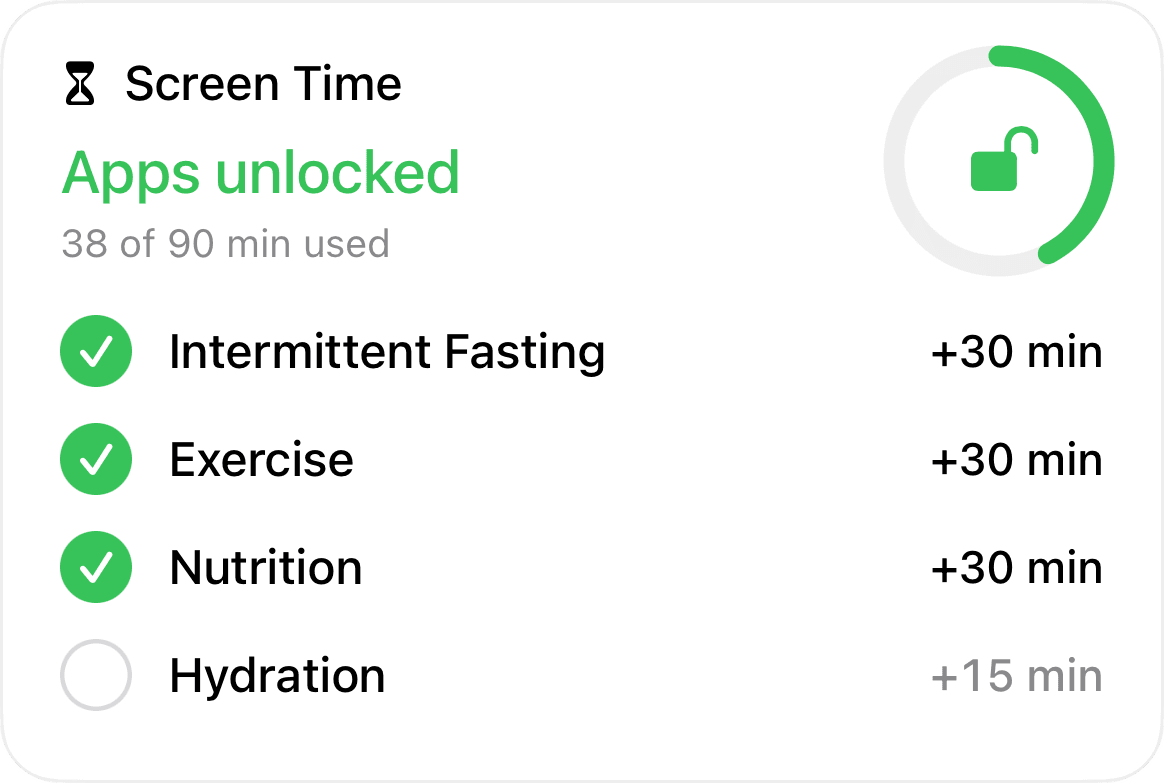
At midnight the balance resets and everything locks again. Unused minutes don't carry over to tomorrow.
What it can't do
- It doesn't check your habits for you. You log workouts, meals and water yourself, and you start and end your own fasts. The lock is exactly as honest as your logging.
- It can be switched off. Turning off Earn Screen Time in the app's settings removes every lock at once. Minutes you've already spent stay spent if you turn it back on.
- It needs an active subscription. If yours ends, everything unlocks.
- It's iPhone only for now.
What it changes is the default. Your apps start closed, and the easy way in is a finished habit, not one tap on Ignore Limit. A lock you can't undo yourself is something no app you control can give you; the closest thing is a Screen Time passcode someone else holds, covered in how to stop overriding your iPhone app limits.