How to block apps until you work out
Updated
The easiest way to skip a workout is to pick up your phone first. This guide sets up the opposite: your most distracting apps stay locked until you've exercised, and the workout is the key.
How it works
Be Serious uses Apple's Screen Time framework to lock the apps you choose. Turn on the exercise habit, and logging at least 10 minutes of exercise in a day earns 30 minutes in those apps. The minutes apply on their own and only count down while a locked app is open. When they run out, the apps lock again.
Set it up
- Install Be Serious and choose exercise as one of your habits.
- Allow Screen Time access when asked, then choose the apps to lock in Apple's picker.
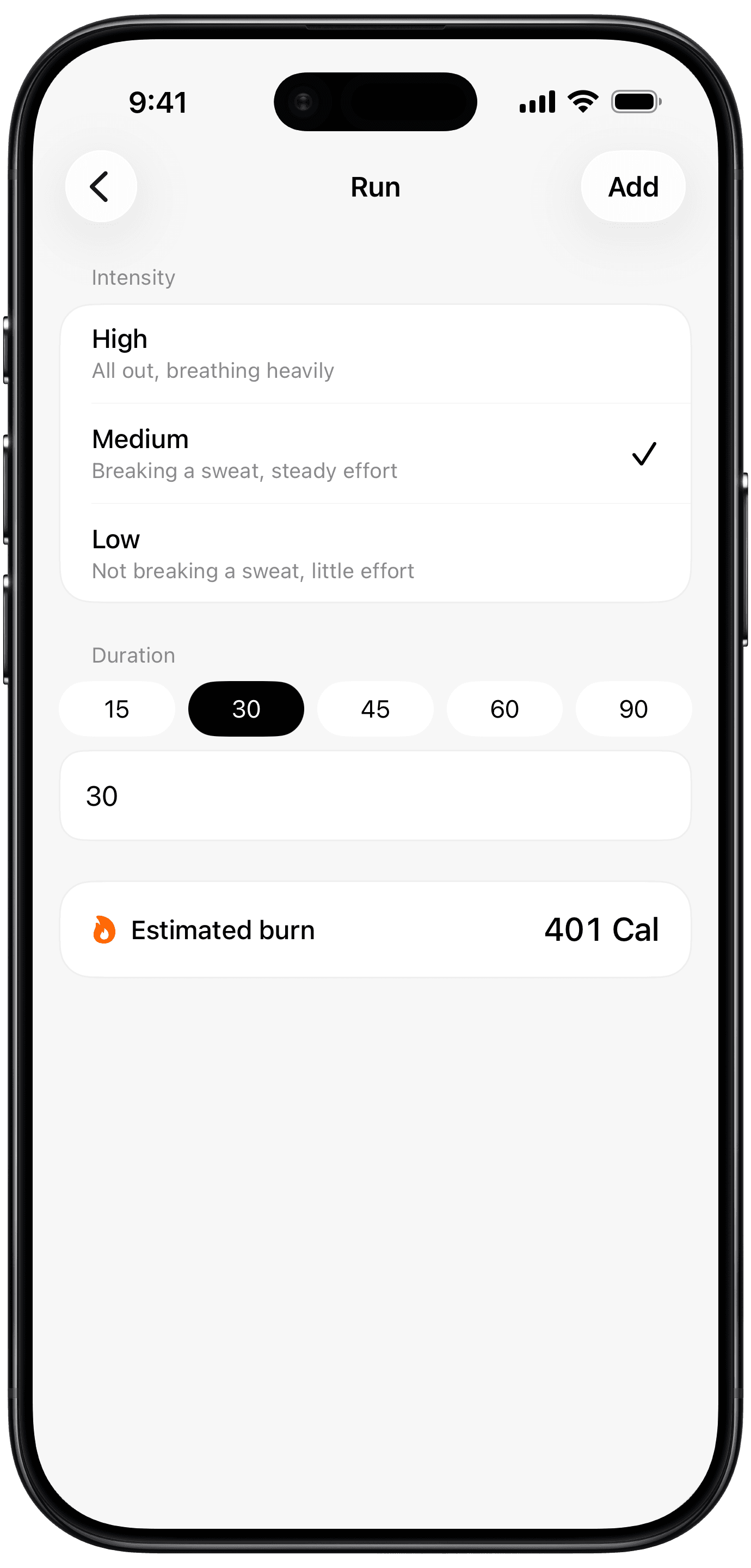
- After a workout, log it: pick the type (run, cycling, swimming, weight lifting, sports, yoga or a manual entry), set the intensity and the duration, and tap Add. You can also describe the workout in a sentence.
- Your 30 minutes are added straight away. Spend them whenever you like before midnight.
What counts
- Any logged exercise, added up across the day. Two 5-minute sessions count the same as one 10-minute session.
- The 30 minutes are paid once a day, however many workouts you log.
- Steps don't unlock anything on their own. With Add Burned Calories switched on in your profile, they raise your calorie budget instead.
An honest note on checking
Be Serious doesn't check workouts independently. It doesn't read Apple Watch workouts, and it can't confirm the run happened: a workout counts because you logged it. The lock works on the version of you that wants to be honest. No setting fixes the other one.
Make it stick
- Lock the apps you open without thinking, not every app. The point is the pause before the scroll.
- Earned minutes reset at midnight, so an early workout leaves you the most day to spend them in.
- If 30 minutes a day is too tight, switch on another habit, like water or a fast, to earn more.
- Rather have a hard daily cap? Compare the two approaches in Be Serious vs iPhone Screen Time.