How to stop overriding your iPhone app limits
Updated
You set an hour on Instagram. It runs out, a screen tells you you've reached your limit, and you tap Ignore Limit. Again. Here's what iPhone can do about that by itself, where it still leaks, and where an app like Be Serious fits.
Why the override is so easy
Out of the box, an app limit is a reminder, not a lock. When time runs out, Ignore Limit offers one more minute, a reminder in 15 minutes, or the rest of the day. A limit only blocks for real once you set a Screen Time passcode and turn on Block at End of Limit.
Fix 1: Set a Screen Time passcode, then give it away
In Settings > Screen Time, lock your Screen Time settings with a passcode. Then open each app limit and turn on Block at End of Limit. Now the limit screen asks for the passcode before it gives you more time.
The catch is that you know the passcode. The version that holds is letting someone else set it: a partner, a friend, or a parent through Family Sharing. Then the only way past a limit is asking them.
Fix 2: Use Downtime for the hours that matter
Downtime blocks everything except the apps you mark as always allowed, on a schedule you set. It suits nights and focused work blocks. With a passcode set, turn on Block at Downtime so it can't be waved away.
Fix 3: Make the apps harder to reach
- Move them off your Home Screen into the App Library, so opening one takes a search.
- Turn off their notifications, so they stop pulling you back in.
- Use a Focus to hide Home Screen pages during work. A Focus filters notifications and hides pages, but it doesn't block apps.
Why limits keep losing
All of these share one shape: you get the time first and are asked to stop later, when stopping is hardest. The alternative is to reverse the order, so apps start locked and time is earned.
That's how Be Serious works. Your chosen apps stay locked until you complete a habit you picked: a workout, a finished fast, a day within your calories, your water target. Each one earns minutes that count down only while a locked app is open, and the lock screen has no ignore button.
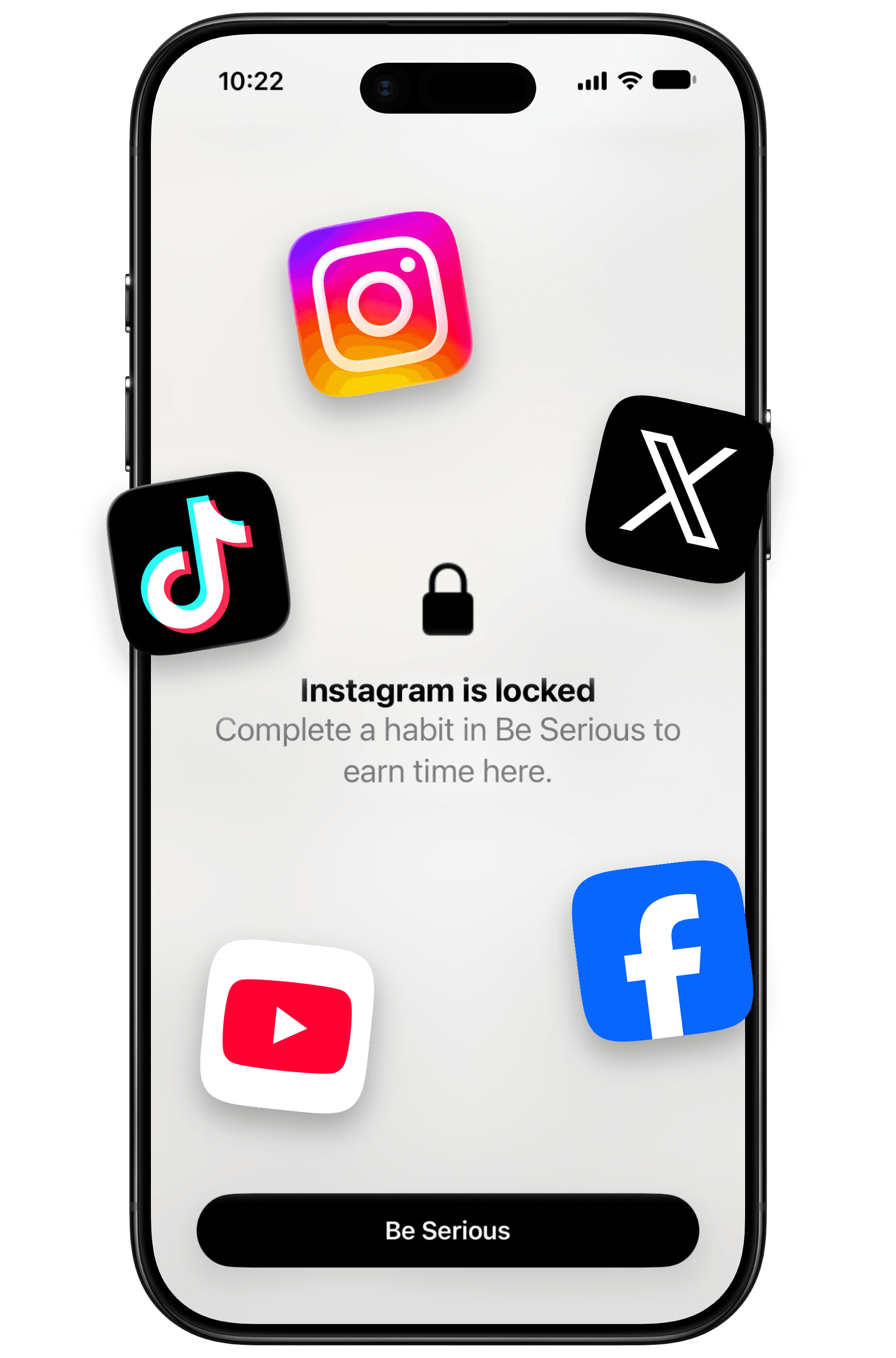
It isn't unbreakable: you can switch it off in the app's settings. But that's a decision you make in settings, not a reflex tap on a prompt. If you need a lock you truly can't undo, hand someone else your Screen Time passcode as well. More on the differences in Be Serious vs iPhone Screen Time.